
Operations & relationships · 6 MIN READ
Automating client follow-up without losing the personal touch
Good follow-up feels considered, not constant. Build a rhythm that handles the reminders while leaving room for a real conversation.
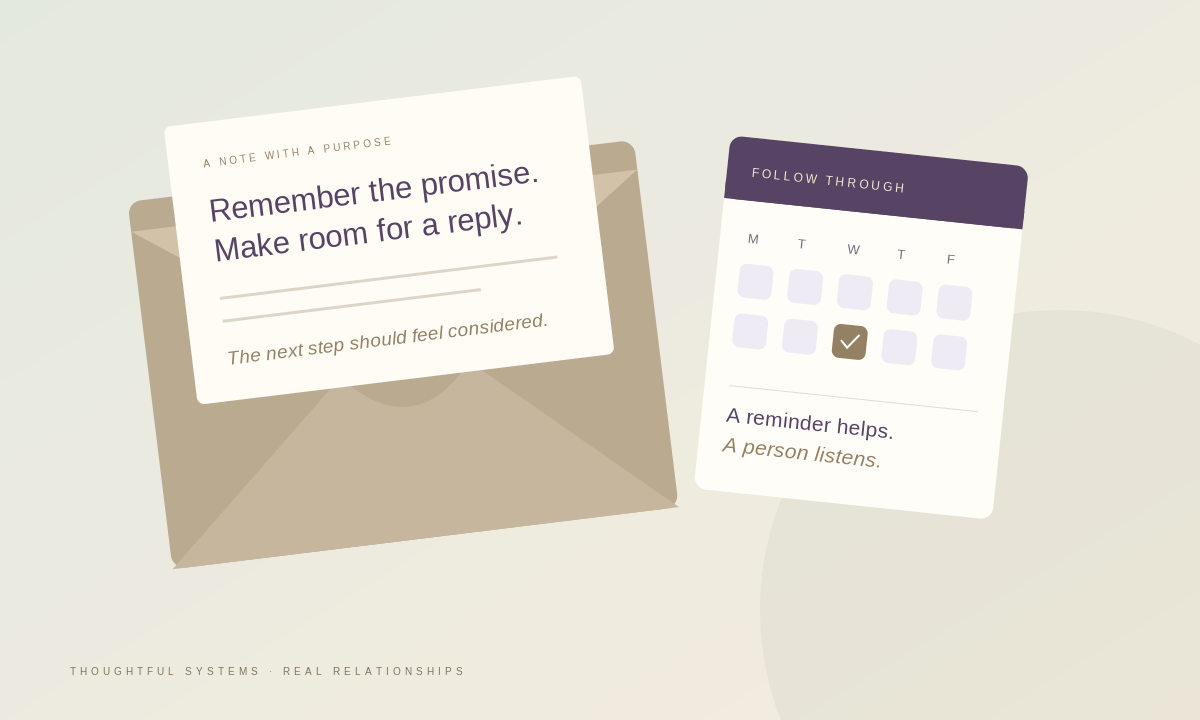
A client leaves a conversation feeling understood. You agree on a next step, promise to send something useful, and return to the rest of your day. By the time you remember the follow-up, the detail that would have made the message personal is buried in your notes. This is where automation can earn its place: not by pretending to care for you, but by helping a real commitment survive a busy week.
The difficulty is deciding what belongs in a workflow and what belongs with a person. A reminder that a session is tomorrow is different from a message responding to disappointment. A useful resource requested by a client is different from another sales nudge. A considered system respects those differences. It helps the business remember, while preserving the client’s ability to respond, pause, or ask for something else.
Begin with the promise, not the sequence
List the moments when your clients reasonably expect to hear from you. These might include an enquiry acknowledgement, preparation instructions, a requested proposal, a session reminder, or a check-in at an agreed milestone. For each moment, write the reason for the message and the action it should make easier. If the only reason is that a sequence needs another step, reconsider whether the message should exist.
Build from your actual service rather than a generic follow-up template. A client waiting for a reviewed document needs an accurate delivery update, not a cheerful message asking whether they are ready to buy. An existing client should not receive the same introduction as a new enquiry. A clear service map makes those distinctions visible and gives your team a shared understanding of what a timely, useful response means.
Separate routine reminders from human conversations
Routine information is often a good starting point for automation when the underlying data is reliable. Confirming that a form was received, reminding someone of their selected appointment, or providing a previously requested link can follow a clear rule. Keep the content short, make the next action obvious, and provide a working way to reach a person. A message should not need to pretend that someone typed it individually to be helpful.
Keep sensitive or uncertain situations out of that lane. A complaint, a missed commitment, a change in scope, a billing disagreement, or a client describing a difficult circumstance deserves review. The point is not that every word must be written from scratch. It is that a responsible person needs to understand the context and decide what is appropriate. Automation can create a task for that person instead of sending a response on their behalf.
THE FOLLOW-UP HANDOFF
Automate the dependable routine. Route uncertainty, changes and sensitive conversations to a person.
Make the writing specific without manufacturing intimacy
A first name at the top of a generic paragraph does not make a message personal. Useful specificity comes from the work: the resource someone requested, the next step you agreed, or the date they selected. Use information the client provided for that purpose and check that it is current. Do not add a detail simply because a field exists in your CRM, especially if using it would feel unexpected or intrusive.
Compare these approaches. “Just checking in to see how everything is going” asks the client to reconstruct the context. “You mentioned that delegating the weekly update was your next priority. Would it help to review the handoff checklist in our next session?” gives them a clear place to respond. This is an illustrative example, not a claim about a client result. Its usefulness comes from remembering an agreed subject, not from making the message sound artificially familiar.
A reply should change what happens next
A follow-up system becomes uncomfortable when it keeps talking after the client has already answered. Decide which events should pause or stop a sequence: a reply, a new booking, a cancellation, an unresolved concern, or a request not to be contacted. Make the stop condition as explicit as the trigger. Your system should not require someone to remember to disable a reminder in three different tools.
Give incoming replies an owner and a review rhythm. A monitored inbox is more important than a clever message. If your tools cannot reliably connect replies to the right record, use a simpler process until that gap is resolved. You can automate an internal reminder to check the conversation while leaving the actual response with a person. Reliability here means the client’s words affect the workflow, not merely that an email leaves the server.
Keep service communication and marketing distinct
An appointment confirmation and an offer for a new program serve different purposes. Before combining them, review the rules that apply to the message, the channel, and the audience. The FTC’s CAN-SPAM guidance distinguishes commercial messages from certain transactional or relationship messages and explains that the primary purpose matters when content is mixed. Being a current client does not automatically make every promotional email a service message.
For US commercial email, the FTC guidance addresses accurate sender information, nondeceptive subject lines, a valid postal address, and a clear way to opt out, among other requirements. Build preference handling into the workflow rather than making it an afterthought. This article is not a complete legal checklist, and email rules do not establish permission for automated texts or calls. If you add channels or serve clients across jurisdictions, get the appropriate review before switching them on.
Read the FTC’s business guide to CAN-SPAMTest the awkward moments before the real ones
Walk through a fictional client journey before using the workflow with real contacts. What happens if someone books twice, changes timezone, submits a form without a name, or replies after the next message has already been scheduled? Check that a cancelled meeting does not produce a preparation reminder and that a missing field does not appear as a visible template token. Look at the message on a phone, including the sender name and reply address.
Test the failure path as carefully as the successful one. A delivery failure should be visible to the person responsible for following up. A duplicate event should not generate duplicate messages. Sensitive information should not be copied into an email merely because it was available in a form. Keep a manual fallback for the promises that matter most. You are designing a service experience, and an unattended error can become part of that experience very quickly.
Measure whether follow-up is helping the relationship
Start with practical questions. Are promised resources arriving? Do clients know what happens next? Can your team find the latest conversation without asking three people? Review incorrect sends, unanswered replies, duplicate reminders, and requests for less contact alongside any engagement figures. A sequence that creates more clicks but also more confusion is not automatically successful. The measures should reflect the quality of the service, not only the activity of the tool.
Review a small sample of messages regularly and ask whether each one still earns its place. Remove steps that no longer fit. Refresh wording when your service changes, and revisit the handoff whenever ownership moves between team members. Consistency is valuable when it supports a real relationship. It becomes noise when the workflow is maintained out of habit and nobody is responsible for what the recipient experiences.
Let the system remember. Let the person respond.
The strongest starting point may be one reminder, one approved message, and one clear handoff. You do not need an elaborate CRM project to discover where communication breaks down. Sketch the current journey, identify a missed promise, and improve that moment first. When the process becomes clearer, you will be in a better position to decide which parts deserve automation and which should stay deliberately personal.
Coaching can help you map that journey, practice the communication, and define the rules your team needs. If the agreed plan requires hands-on implementation, Ayleana’s Enterprise can assess that work separately, with its own scope and agreement. The outcome to pursue is a client who feels informed and heard, not a business that sends the greatest number of messages. Build the system around the conversation you want to have.
Sources & further reading
External sources support the specific factual guidance noted in the article. The practical examples and workflow suggestions are editorial recommendations.
MAKE IT PERSONAL
Make your next follow-up more thoughtful.
Explore the messages, responsibilities, and handoffs behind your client experience before deciding what to automate.
Explore operations coachingKEEP EXPLORING
A little more perspective.
Technology & AI · 6 min read
Where to start with AI in a small business
A useful first step is closer than you think. Find one recurring task, give it a clear boundary, and build a practice your team can trust.